
Clients and credit cases
Follow opportunities and cases by stage. Check the status of each enquiry and keep your team aligned on work in progress.
Explore this featureCentralised credit management
Clients, cases, documents and tasks in one CRM, helping you manage each credit enquiry with greater organisation.
Schedule a demo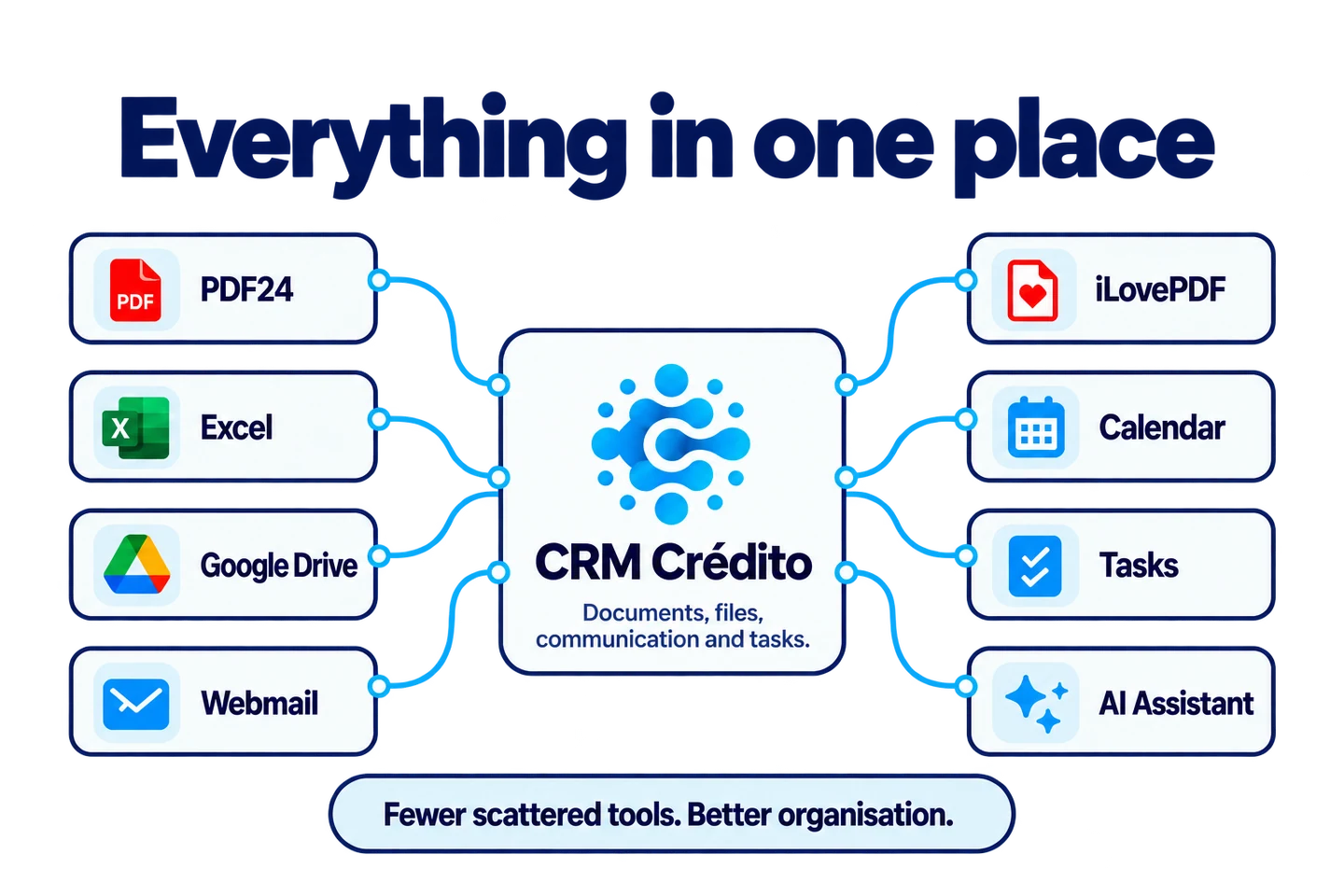
CRM Crédito brings clients, cases, documents, tasks, simulations, AI summary tables and reports together in one platform for credit intermediaries in Portugal.
A platform designed for the daily work of teams handling credit enquiries, from the first opportunity to tracking results.
Follow opportunities and cases by stage. Check the status of each enquiry and keep your team aligned on work in progress.
Explore this featureReceive and organise documents in the CRM, track received and missing files, and forward documents to banks from the same place.
Explore this featureBring appointments, tasks and pending items together in the virtual office. See what needs attention today and keep each opportunity moving.
Explore this featureReuse email templates for frequent requests and contacts. Receive new enquiries through forms embedded in your website and organise them in the CRM.
Explore this featurePrepare simulations and present loan proposal terms in AI summary tables. Use an organised starting point when explaining options to a client.
Explore this featureTrack production, conversion and case progress. Consult account statements and commissions to connect your team's work with its results.
Explore this featureThese are just some of the features. CRM Crédito offers much more for your team.
Explore all featuresImagine a new client requesting a simulation. Your team can follow the same journey without rebuilding the context at every contact.
A contact arrives through a form or is entered by the team. The opportunity has a place in the sales follow-up.
Received and missing documents form part of the client follow-up, helping the team identify what to request next.
The team uses simulations and summary tables to bring proposal terms together and prepare the conversation with the client.
Tasks and the calendar help plan the next contact. The process board and reports help track the progress of the work.
It is a platform that brings several credit intermediation management tasks together. In CRM Crédito, these include clients, cases, documents, simulations, AI summary tables, tasks, email templates, forms, reports and commissions.
The process board tracks enquiries by stage, documents are organised in the CRM and reports bring management indicators together. Your team can consult this work in the same environment, reducing the need for parallel lists for routine follow-up.
The image illustrates tasks many teams distribute across different tools: documents, files, communication, calendar and tasks. CRM Crédito aims to centralise activity tracking and connect those needs to the context of the client and credit case.
AI summary tables help organise credit proposal terms in a comparative presentation. They support analysis and explanations to clients; evaluating proposals and validating data still require professional attention.
The aim is to reduce fragmentation in daily work. Each team can keep the specialist tools it needs and use CRM Crédito as the central place for following clients, cases, documents and tasks.
Yes. You can schedule a demonstration to explore the features, explain your team's workflow and see how to organise enquiries, documents and tasks in CRM Crédito.
Bring the journey of a credit enquiry. We will show you how to follow each stage with CRM Crédito.
Schedule a demo